A Google Calendar app for Mac, with your tasks on the same day
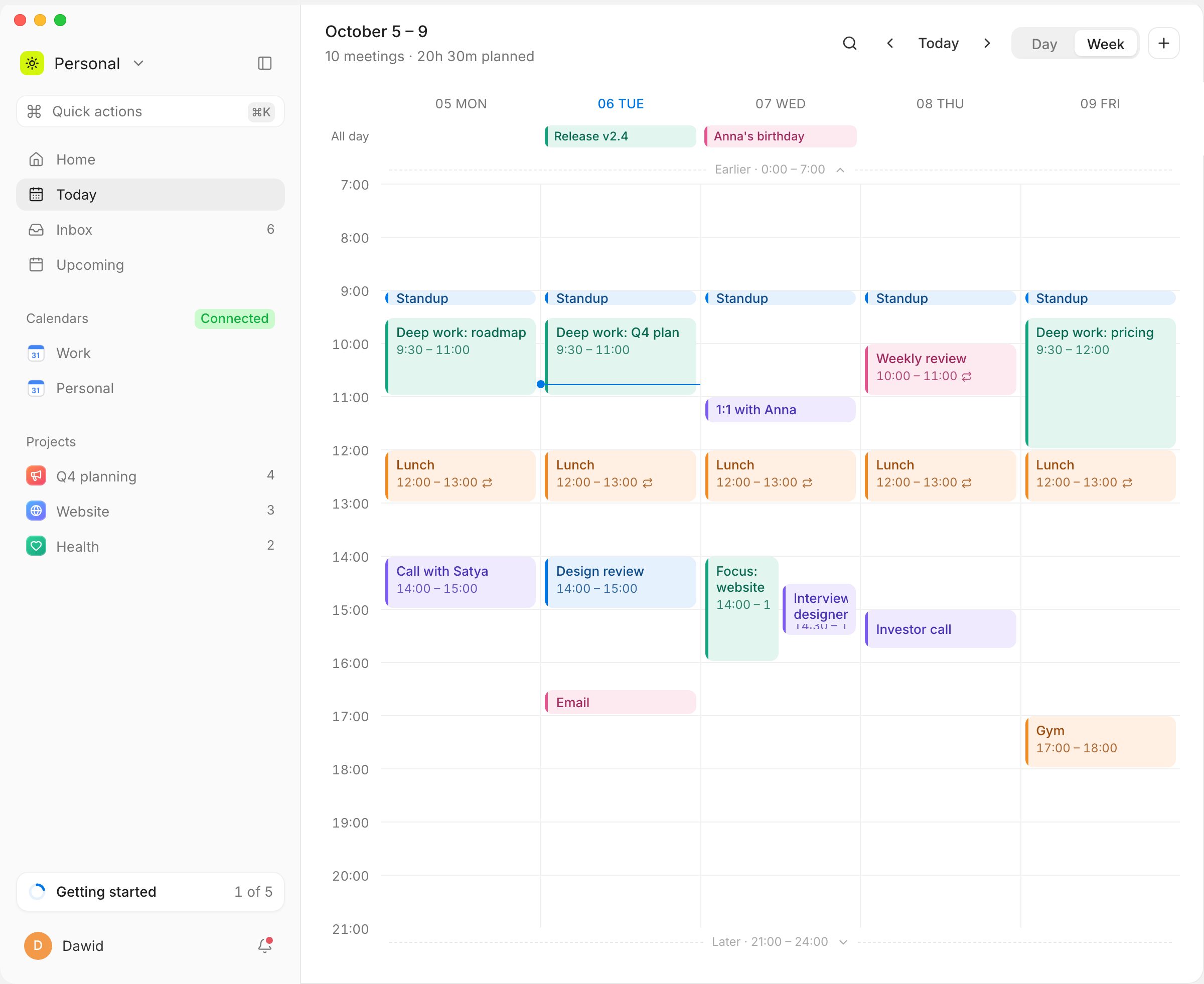
Google does not make a Google Calendar app for Mac; on a Mac, Google Calendar runs in the browser. Musli is a native macOS app for Apple silicon and Intel Macs that shows your Google Calendar with two-way sync, keeps your next meeting in the menu bar with a Join button and puts your own tasks on the same timeline. It is a one-time purchase: $49, no subscription.
Menu bar
Click the icon for the next meeting, a Join button, the rest of the day and a quick add to the Inbox.
Two-way sync
Move, rename or delete a meeting in Musli and Google Calendar follows. Answer invitations without opening Gmail.
A daily planner too
Tasks wait in the Inbox with a length; drag one onto the day and it becomes a time block next to your meetings.
A real Mac app
Traffic lights, light and dark mode that follow the system, ⌘K for every action, and it works offline.
Questions
Google does not make one: on a Mac, Google Calendar runs in the browser. You can add your Google account to Apple Calendar, or use a desktop app such as Musli, which syncs both ways with Google Calendar and adds your tasks to the same day.
Try Musli on your own day
Pay once, $49, and download it right away for macOS, Windows and Linux. Full refund within 14 days.