A Linux calendar app with two-way Google Calendar sync
Musli is a desktop calendar and planner for Linux that syncs both ways with Google Calendar and puts your own tasks on the same timeline. It comes as an AppImage and a .deb, sits in the tray, works offline and runs the same as on macOS and Windows. It is a one-time purchase: $49.
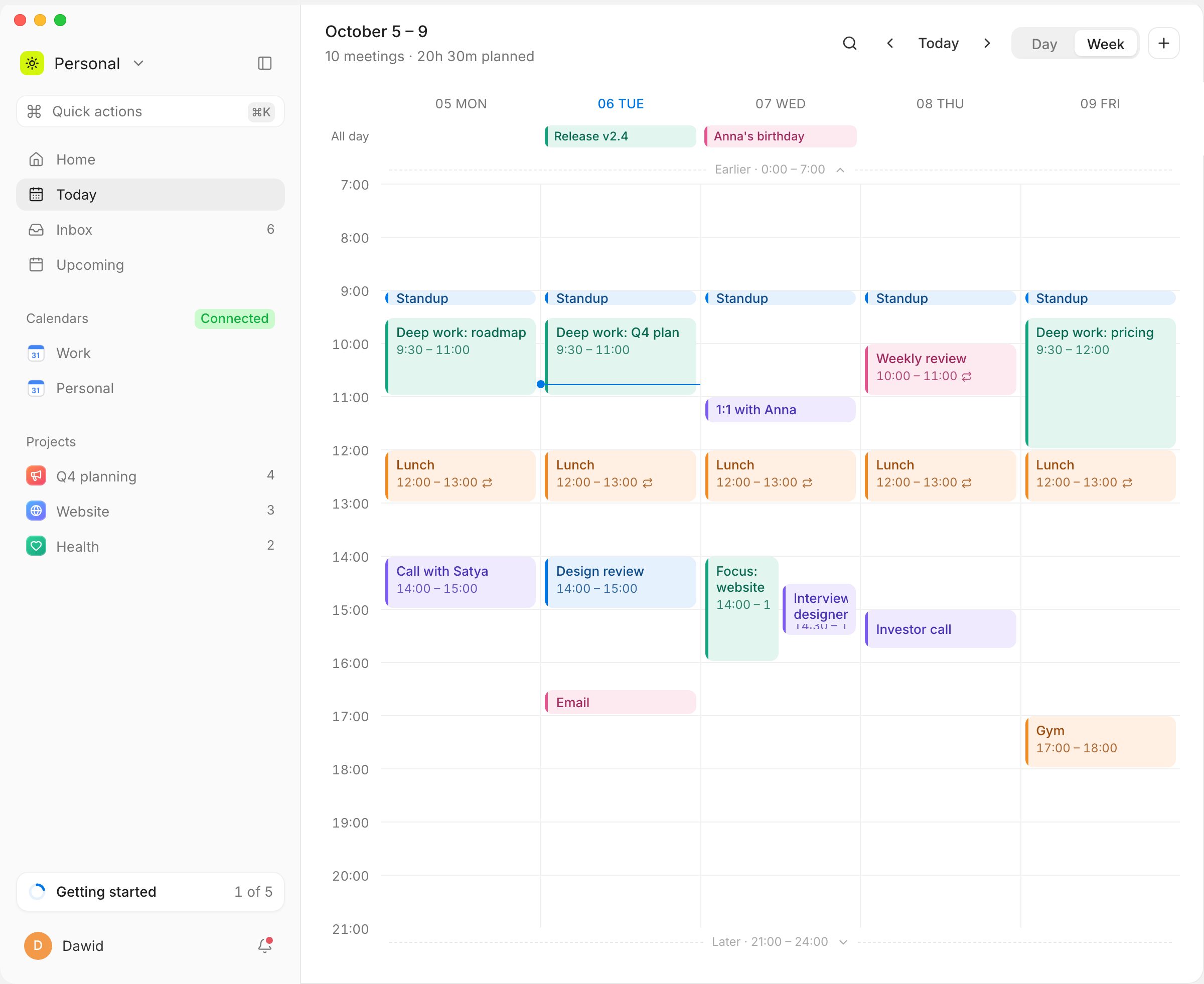
Native app
A real desktop app, not a browser tab, with light and dark mode.
Tray icon
Your next meeting and a quick add to the Inbox from the tray.
Tasks as time blocks
Drag a task from the Inbox onto the day next to your meetings, or let Plan my day fill your free hours.
Same on every system
Move between Linux, Mac and Windows and the planner works the same way.
Questions
Google does not make one; Google Calendar runs in the browser. On Linux you can add your Google account to GNOME Calendar or Thunderbird, or use Musli, which syncs both ways with Google Calendar and adds your tasks to the same day.
Try Musli on your own day
Pay once, $49, and download it right away for macOS, Windows and Linux. Full refund within 14 days.